How to Make an Animated Video Invitation (No App Needed)
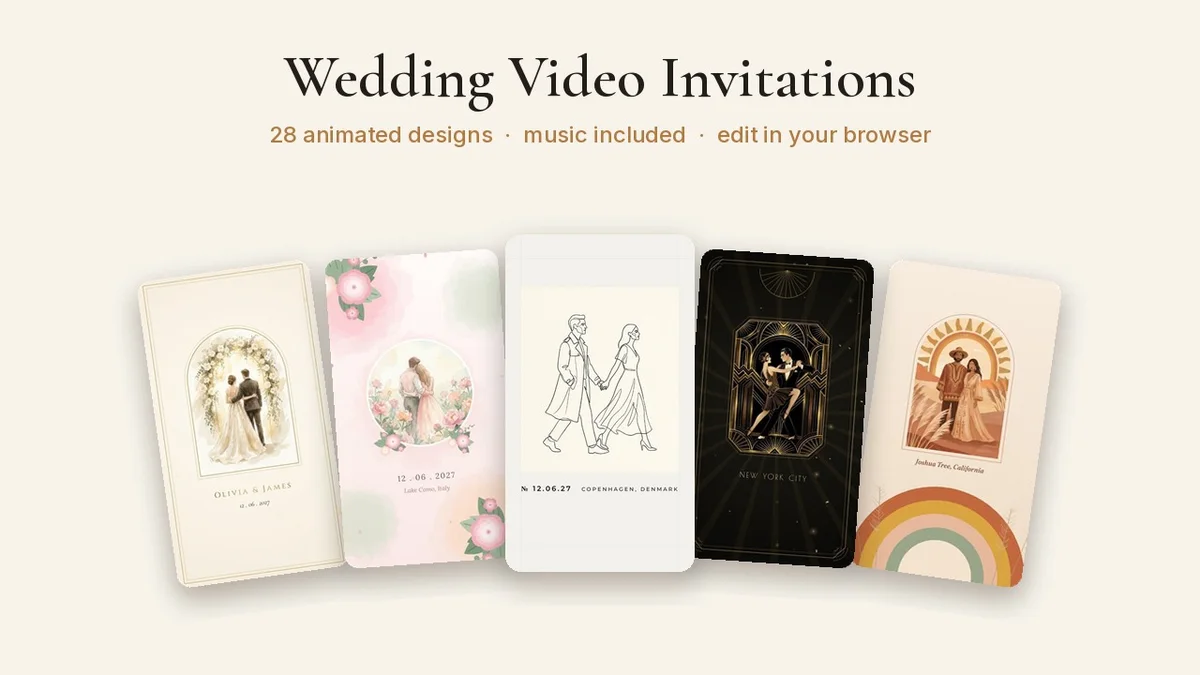
Paper invitations are lovely, but most invitations now arrive on WhatsApp, Instagram or email. An animated video invitation, with music, moving details and your names appearing on screen, feels special in a way a static image doesn't, and guests actually watch it.You don't need video-editing skills or an expensive app to make one. Here's how to make an animated video invitation in a few minutes, what to put in it, and how to share it so everyone sees it.## What is a video invitation?A short video (usually 15–30 seconds) that announces your event with animation and music: names, date, time, venue and a little personality. It's sent as a normal video file, so guests can play it on any phone without downloading anything.They're popular for:- Weddings and engagements: often sent before or alongside printed cards.- Save the dates: quick, shareable and exciting.- Birthdays: especially kids' parties and milestone birthdays.- Baby showers and gender reveals.- Indian ceremonies: haldi, mehndi, sangeet, griha pravesh, naming ceremonies and puja invitations.- Holiday and Christmas parties.## What to includeKeep it short and clear. Everything a guest needs should fit on two or three screens:1. The occasion and the names: "Ana & Rahul are getting married", "Mia is turning 5!"2. Date and time: write the day of the week too.3. Venue: the name, plus the area or city.4. A short line of welcome: "We'd love you to celebrate with us."5. RSVP details: a phone number, a date, or "RSVP to Priya".Leave out long addresses and directions. Send a map link in the same message instead.## How to make one in your browserWith a template-based video invitation studio, the whole thing takes a few minutes:1. Choose your occasion and a design. Pick one that matches the mood of your event: elegant, floral, playful, festive.2. Type your details. Names, date, time, venue and RSVP. The preview updates live as you type, so you can see exactly how it will look.3. Check the preview with sound on. Every design has its own music. Watch it to the end once on your phone screen size.4. Download the video in HD.5. Share it. Send it on WhatsApp, post it to Instagram stories, or attach it to an email.Our Video Invitation Studio works exactly like this: you can preview every design free in your browser with your own details, no app and no design account needed, and unlock HD downloads for the collection you need.## Tips for sharing- WhatsApp: send it as a video (not a document) so it plays inline. Follow it with a second message containing the map link and RSVP details.- Groups and broadcast lists: use a broadcast list to send it individually without creating a big group chat.- Instagram: post it to your story with a "save the date" sticker, or share it privately in DMs.- Email: attach the video, and put the key details in the email text too, for anyone who can't play it.- Older relatives: call or text them as well. Not everyone opens videos.## Video invitation etiquette- Send it 4–8 weeks before a wedding, 2–4 weeks before a party, and 6–12 months before for a save the date.- Still send a personal message to close family and VIPs alongside the video.- Send a reminder a few days before the event, with the venue and time.- Keep the music cheerful but not too loud. Many people will open it in public.## Pick your collectionWe have animated video invitation collections for weddings, save the dates, engagements, birthdays, baby showers, gender reveals, bridal showers, Galentine's, holiday parties and Indian ceremonies. Each one has multiple designs with music. Open the studio, type your details and see your invitation come to life before you decide.