How to Use a Planner with ADHD (and Actually Keep Using It)
If you've bought a beautiful planner every January and abandoned it by the third week, you're not lazy and you're not alone. Most planners are designed for brains that like long lists, neat hourly schedules and steady motivation. ADHD brains (and plenty of busy, non-ADHD brains too) need something different: less structure up front, more flexibility, and no guilt when a week goes sideways.
These are the habits that make a planner work with your brain instead of against it. (This is practical planning advice, not medical advice; if you're exploring an ADHD diagnosis or treatment, talk to a doctor.)
1. Start with a brain dump, not a schedule
Before you plan anything, get everything out of your head: tasks, worries, ideas, errands, that email you keep forgetting. Write it all on one page, in any order. Only then sort it.
A brain dump lowers the mental noise and makes the next step, choosing, much easier.
2. Pick only three priorities a week
A to-do list with 25 items isn't a plan, it's a source of shame. Each week, pick three things that would make the week a success. Everything else is a bonus. If you finish the three by Wednesday, great: pick from the brain dump.
3. Break scary tasks into tiny next steps
"Do taxes" is a cloud. "Find last year's tax login" is a step. When a task keeps getting skipped, it's usually too big or too vague. Ask: what is the very first physical action? Write that down instead.
4. Use a dopamine menu
When you need a break or a boost, it's easy to default to scrolling. A dopamine menu is a short list you write in advance, sorted by size:
- Starters (5 minutes): a song, a walk to the window, a glass of water.
- Mains (20–30 minutes): a walk, a shower, a quick workout.
- Desserts (use carefully): TV, games, social media.
When you need a lift, pick from the menu instead of the phone.
5. Plan for bad weeks
Build in the expectation that some weeks will go off the rails. Leave white space. Use a "minimum viable day" list, the two or three things you'll do even on a terrible day. When you fall off the wagon, don't restart from January: just turn to this week's page and pick three priorities.
6. Make it visible
Out of sight is out of mind. Keep your planner open on your desk, use a tablet planner you can open in one tap, or put the week's three priorities on a sticky note on your laptop.
7. Review weekly, briefly
Ten minutes on Sunday: what worked, what didn't, what's next. Don't grade yourself; just adjust.
A planner built around these ideas
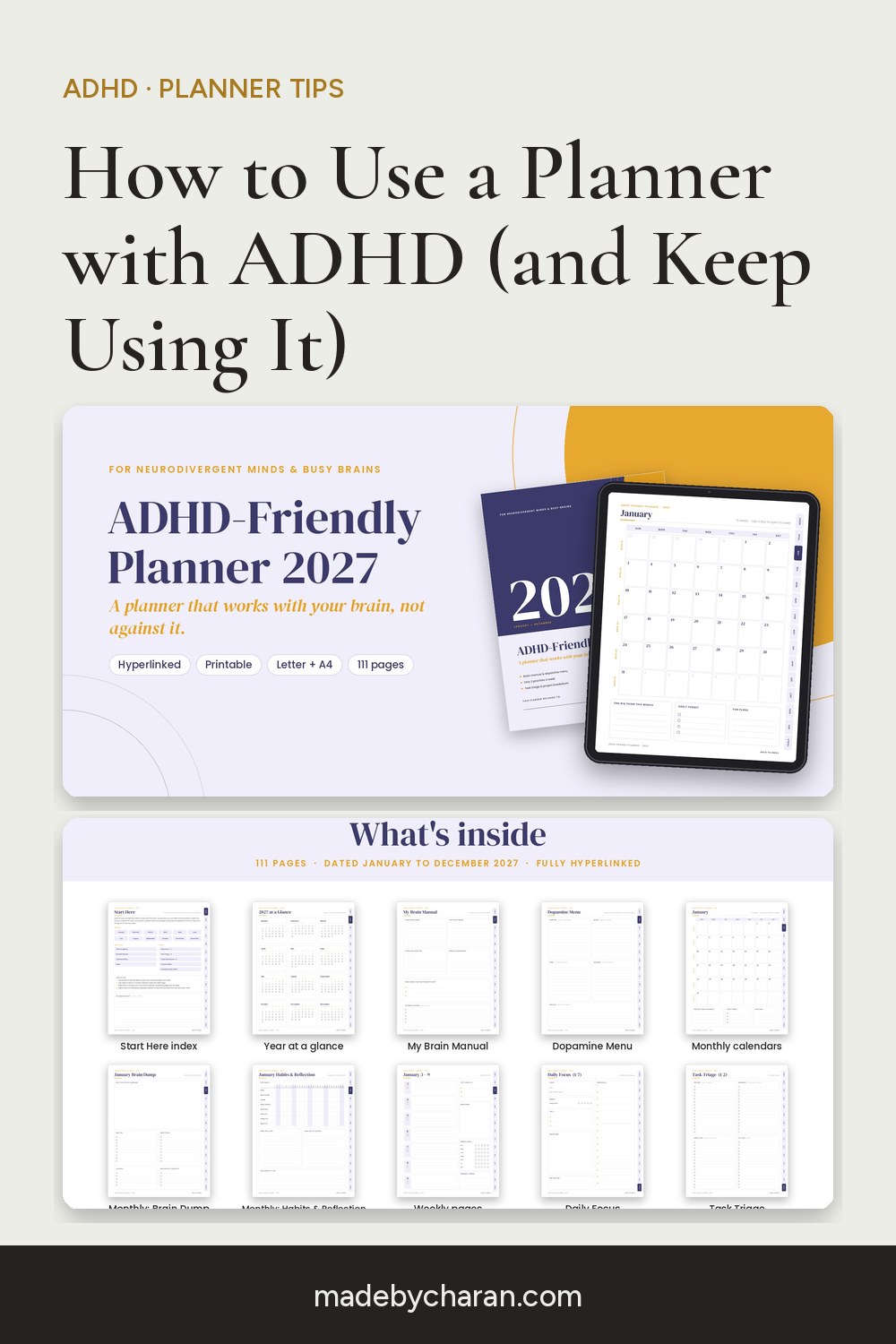
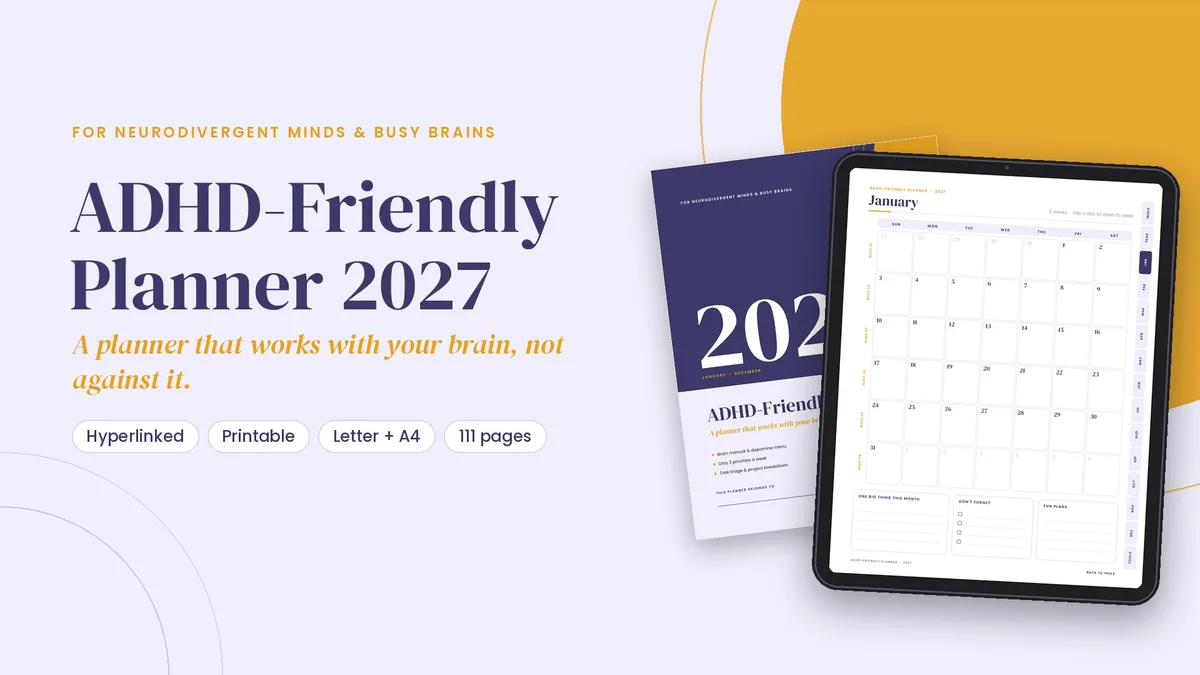
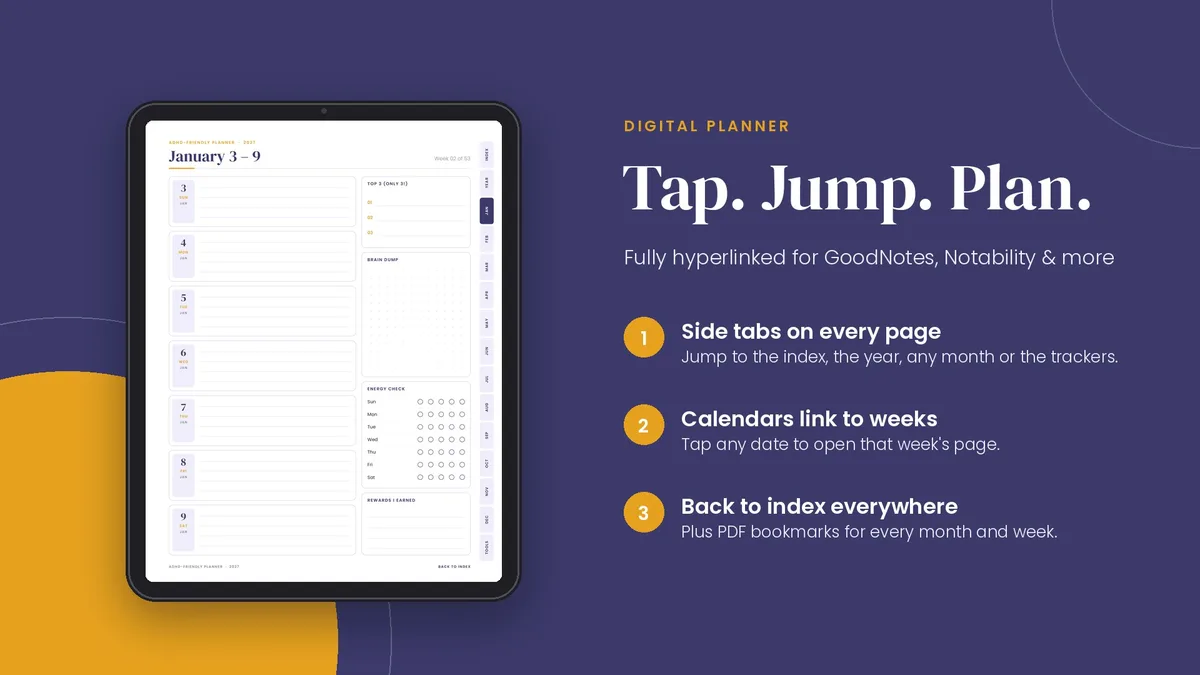
The 2027 ADHD-Friendly Planner is built around exactly these habits. It has a "My Brain Manual" and a Dopamine Menu at the start of the year, and a Brain Dump page every month. There are Task Triage and Project Breakdown pages for the scary stuff, Daily Focus pages, a Routine Builder and lots of white space. It has 111 dated pages for 2027. You can print it, or use it as a hyperlinked digital planner in GoodNotes, Notability or any PDF app, where you tap a day on the calendar to jump straight to its week.
Not sure yet? The free 2027 planner sampler includes real pages from the ADHD planner (and four others) so you can try it first.
The best planner isn't the prettiest one. It's the one you open again after a messy week.
Save this for later: pin the image below to your Pinterest board.