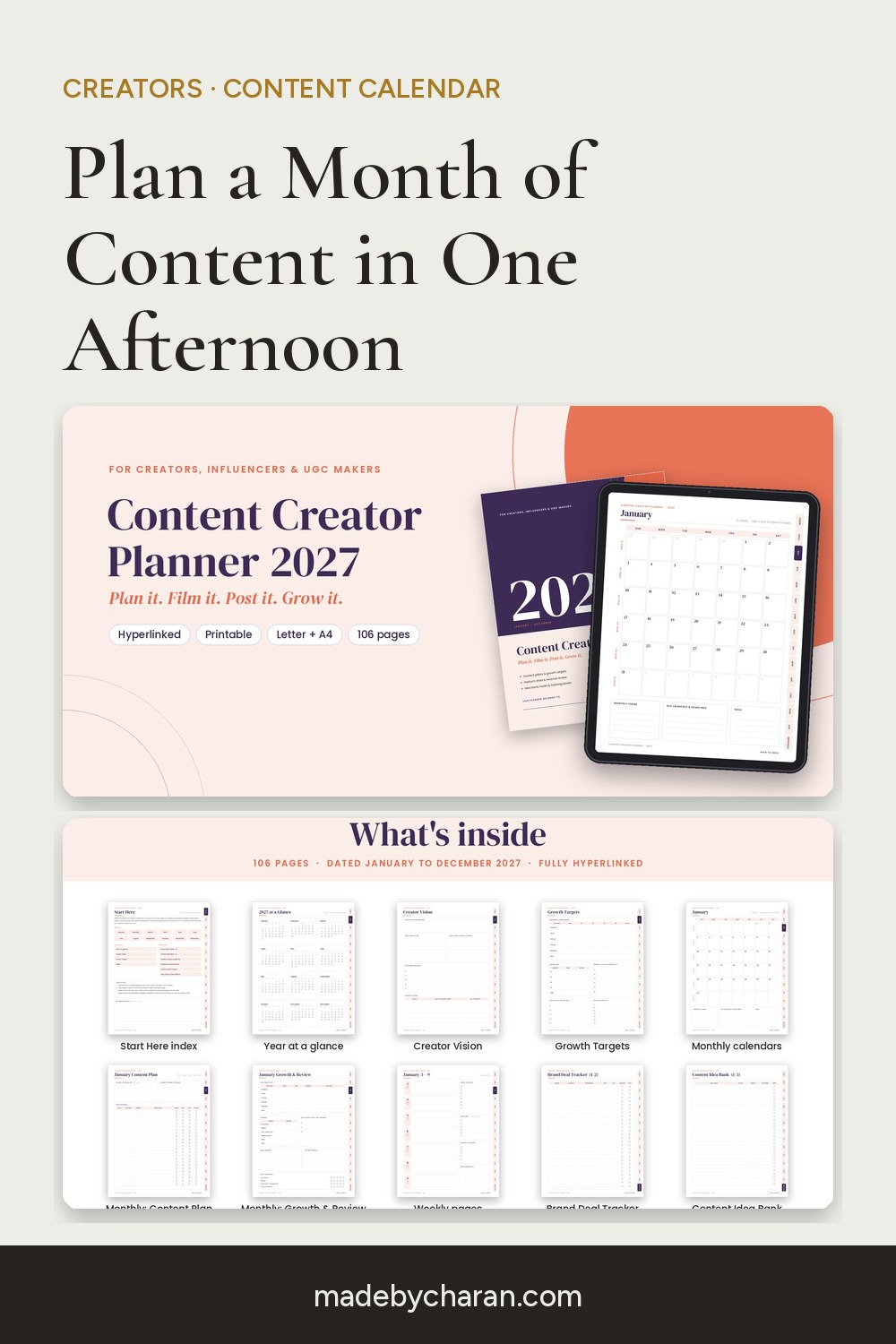
How to Plan a Month of Content in One Afternoon (Content Calendar Guide for 2027)
Posting consistently isn't about having more ideas. It's about deciding once, instead of every single morning, what you're going to post. A monthly content plan does that, and once you have a system, building one takes a single afternoon.
Here's the process, step by step. It works whether you post on Instagram, TikTok, YouTube, Pinterest, a newsletter, or all of them.
Step 1: Choose 3–5 content pillars (20 minutes)
Content pillars are the handful of topics your account is known for. A home-cooking creator might use quick weeknight meals, budget shopping, kitchen tips and behind the scenes. Pillars keep you on-brand and make ideas easier to find, because you're filling buckets, not staring at a blank page.
Tip: one of your pillars should be personal (your story, your process, your wins and fails). That's what builds trust.
Step 2: Set one growth target per platform (10 minutes)
Pick one number per platform for the month, like followers, email subscribers or saves. Not five metrics: one. It tells you what to prioritise when you're short on time.
Step 3: Brain-dump ideas into an idea bank (45 minutes)
Set a timer and list every idea you can think of under each pillar. Pull from:
- questions your audience asks in comments and DMs;
- your best-performing posts from last month, which are worth remaking in a new format;
- seasonal moments (holidays, launches, the new year);
- hooks and captions you've saved from other creators, as inspiration and not to copy.
Aim for 30+ ideas. You'll only use about half, and that's the point: you pick the best.
Step 4: Fill the calendar (45 minutes)
Decide how often you'll post on each platform, being honest about your time, then drop ideas into your monthly calendar. Rotate pillars so the feed stays varied. Mark any brand deal deadlines first, so paid work never gets squeezed.
Step 5: Batch create (the rest of the afternoon)
Group similar tasks: write all captions at once, film all talking-head videos in one session, design all graphics together. Batching is where creators win back hours every week.
Step 6: Review at the end of the month
Look at what got the most saves, shares and comments, and where your income came from. Keep a running list of hooks that worked, and feed the winners back into next month's idea bank.
Track brand deals properly
Once you start landing collaborations, a simple tracker saves real money. For every deal, note the brand, deliverables, deadlines, usage rights, payment amount and whether you've been paid. Unpaid invoices are the most common (and most avoidable) creator headache.
A planner made for this
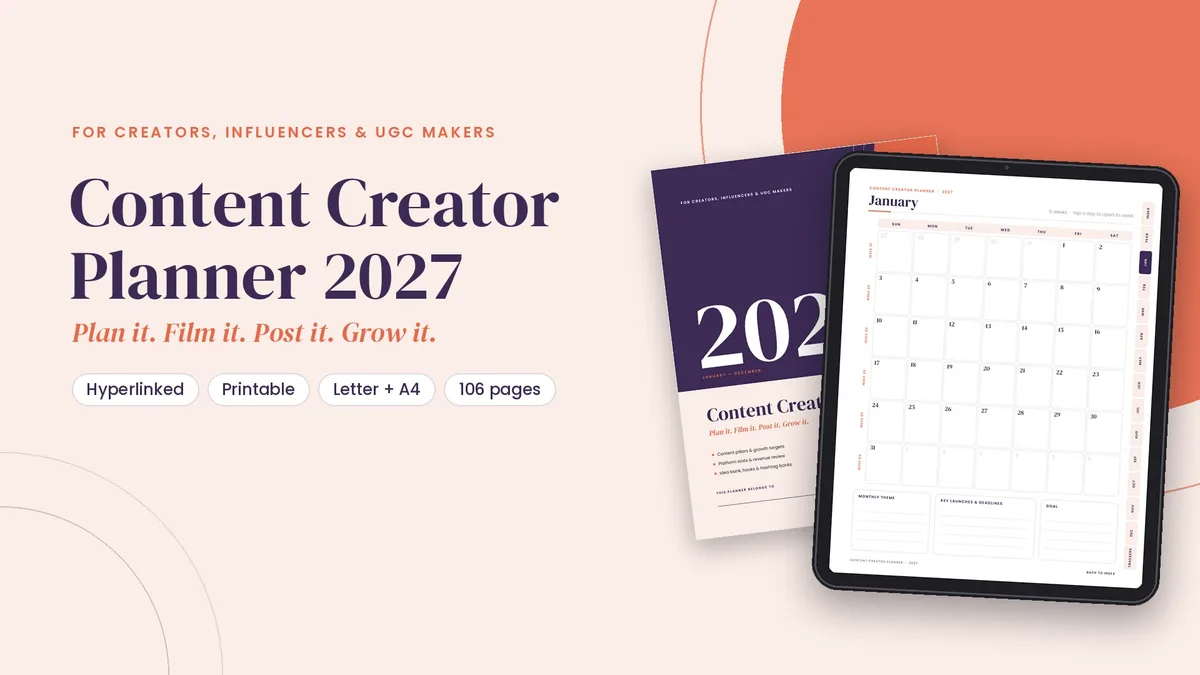
The 2027 Content Creator Planner follows this exact system:
- Year: creator vision and growth target pages.
- Every month: a content plan, plus a growth and review page.
- Every week: 53 weekly pages with a creator sidebar.
- Trackers: two brand deal trackers, a three-page content idea bank, a hooks and caption swipe file, a hashtag and keyword bank, a yearly income tracker, and a gear, apps and subscriptions list.
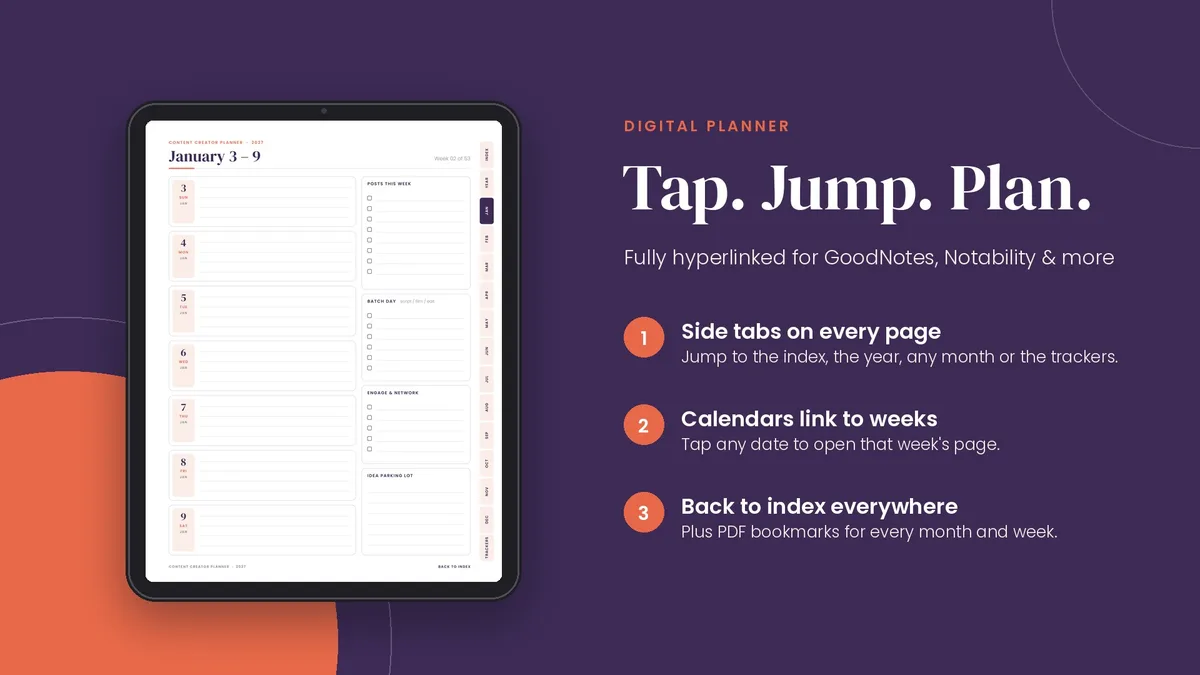
It's 106 pages, fully hyperlinked for GoodNotes, Notability or any PDF app, and printable in US Letter or A4.
One afternoon of planning buys you a month of posting without the daily "what do I post today?" panic.
Save this for later: pin the image below to your Pinterest board.